 Roll Flow
Your academy, organized and with your own look.
Students, classes and attendance with gamification, photo roll call, a store and your brand's visual identity — all in one simple, modern portal.
14 days free · no credit card · no commitment
How it works
Your academy up and running in minutes.
Start your free trial
Register your academy in minutes: 14 days free, no card.
Make it yours
Add your logo and colors, then set up plans, classes and belt promotions.
Invite students and instructors
They get in through the portal and the app — carrying your brand.
Everything your academy needs
Full management
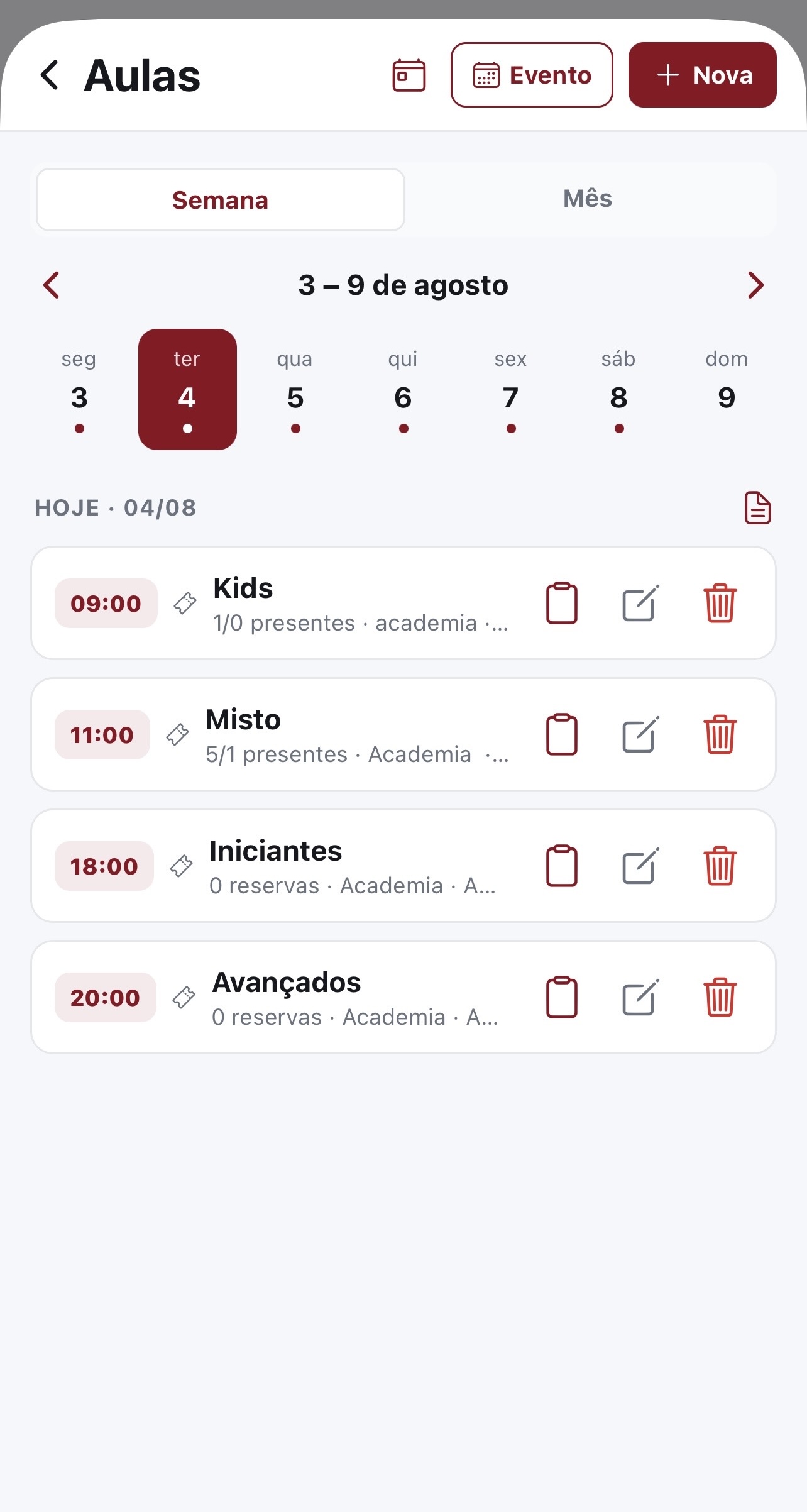
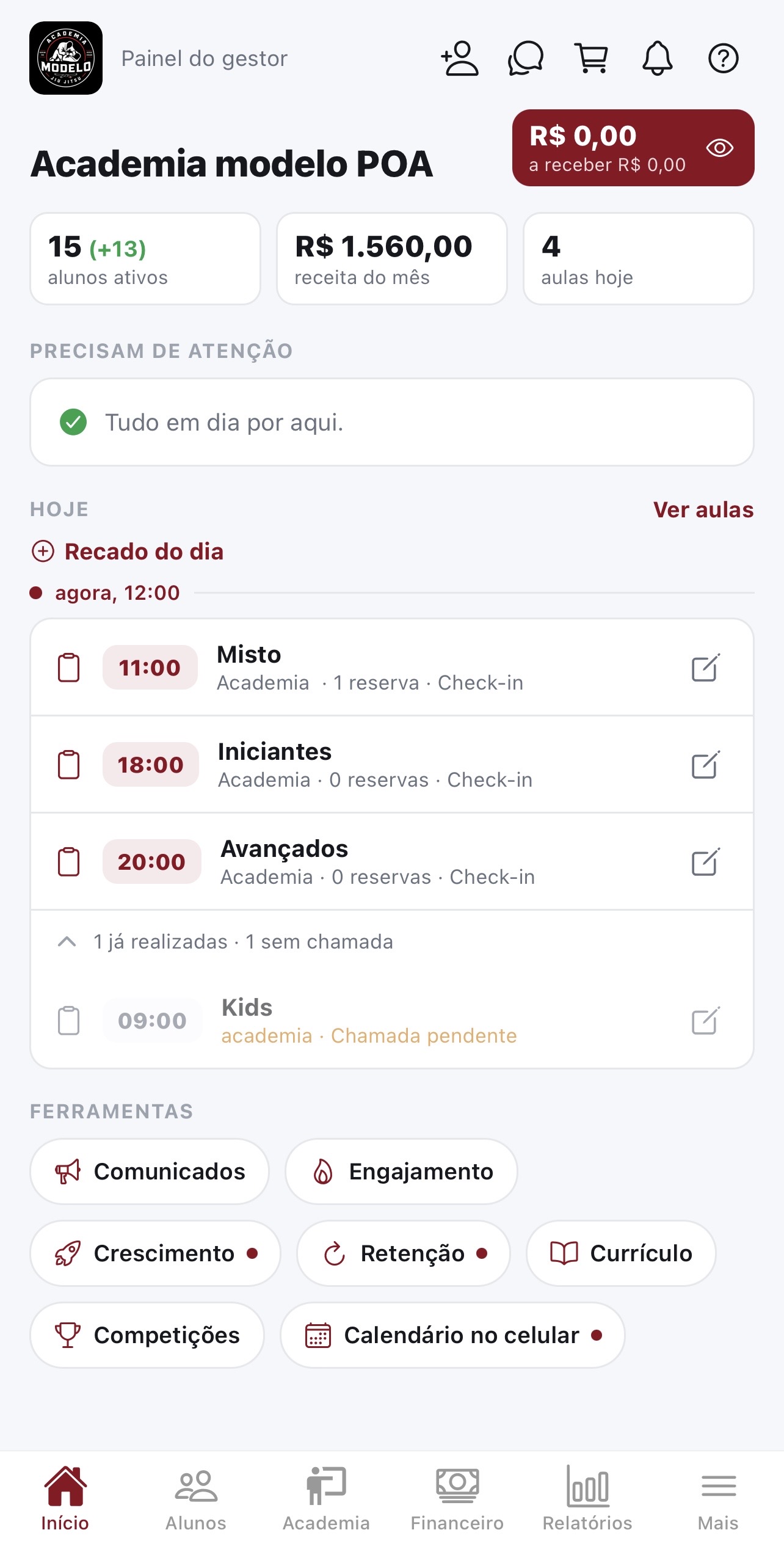
Students, instructors and recurring classes — all organized in one place.
Your own identity
Logo, colors and subdomain: the portal and the app wear your brand.
Attendance and progress with gamification
Attendance, belt progress, leaderboard and streaks that keep students engaged.
Automatic attendance by photo
The instructor photographs the class and facial recognition marks attendance for everyone in the photo.
Store with stock control
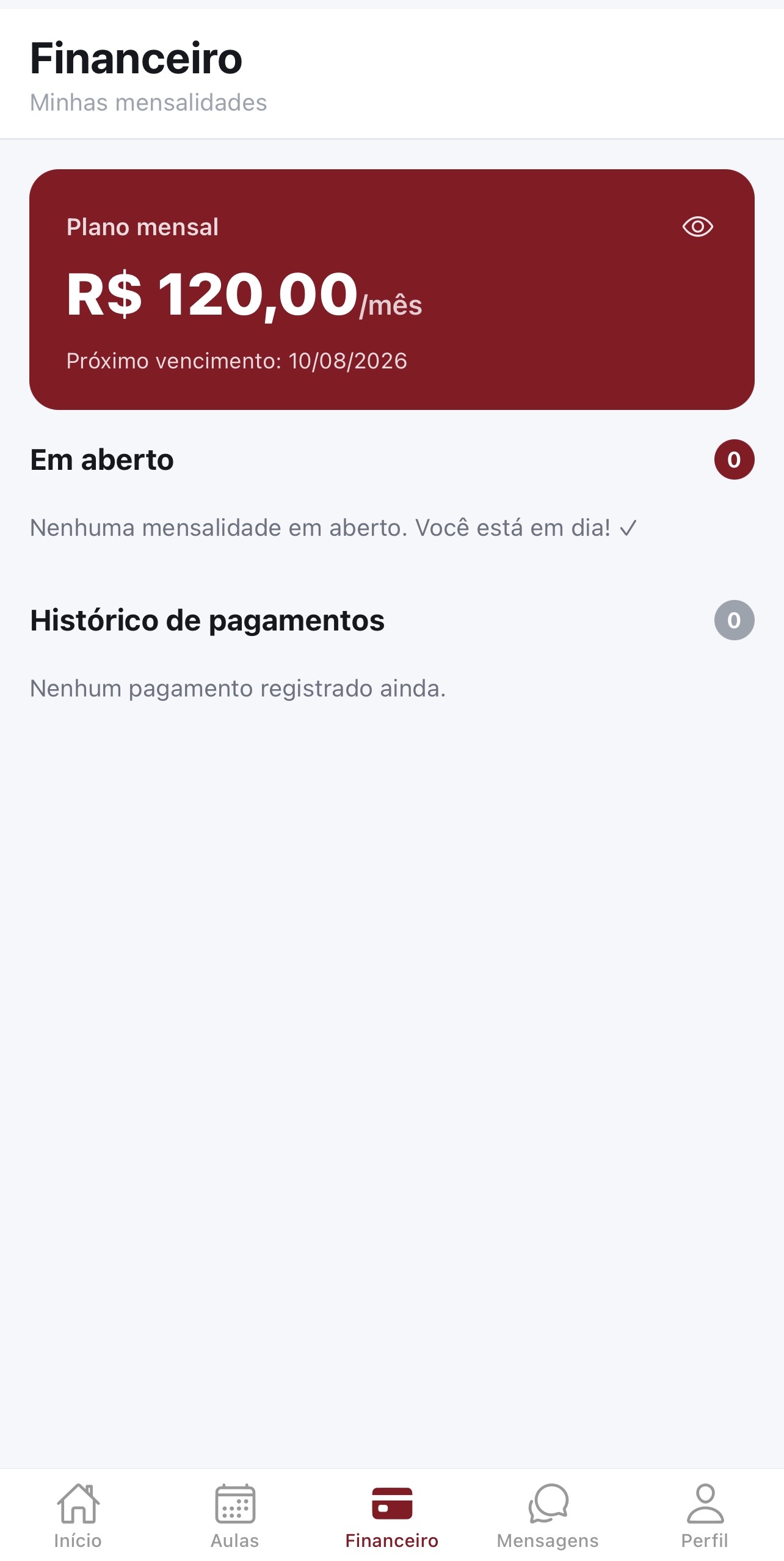
Sell products by size with stock; inventory drops automatically on purchase.
Security
Data isolated per academy, role-based access and biometric login in the app.
On your phone too
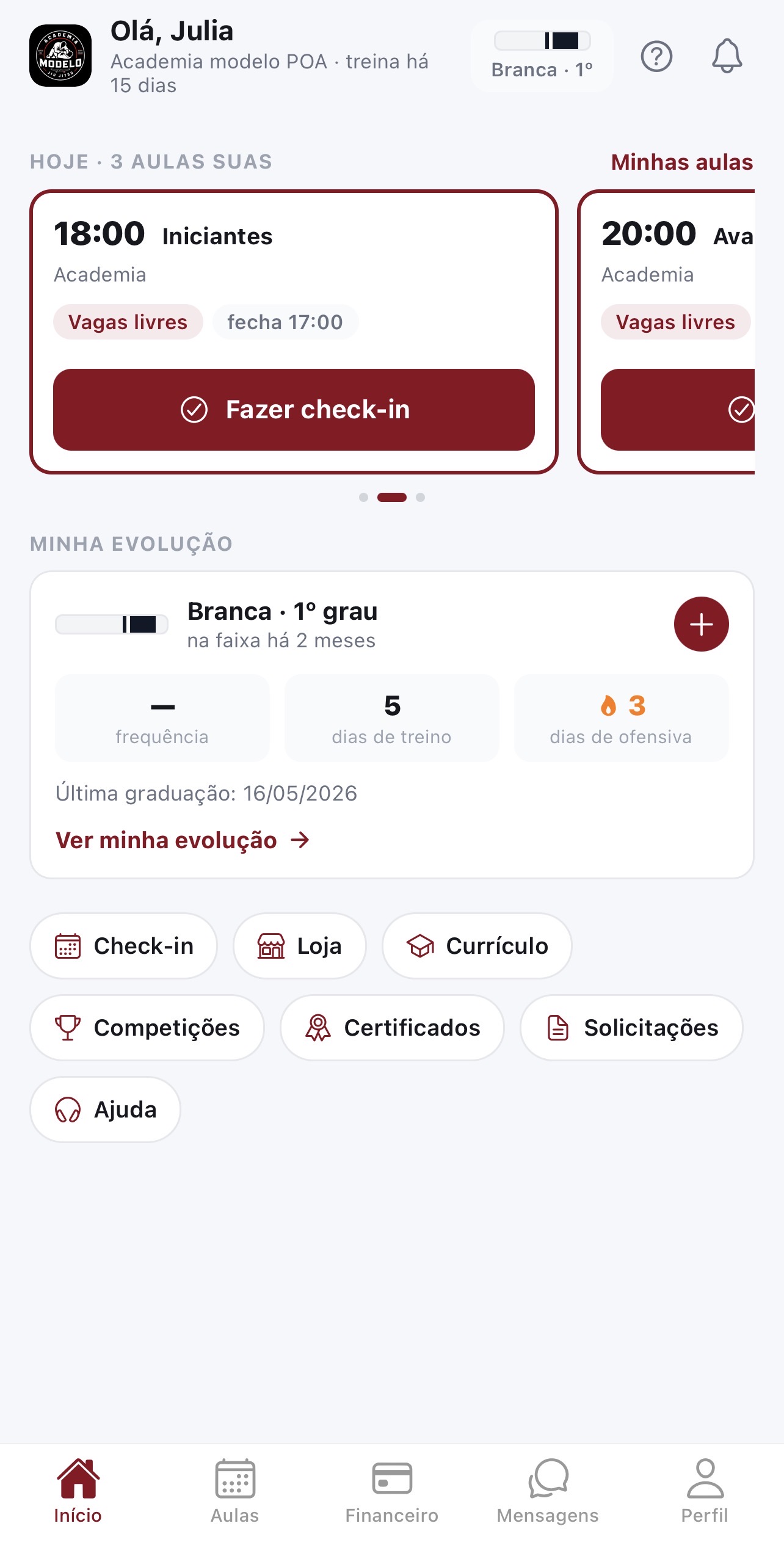
Students and instructors carry the academy in the app: attendance from the class photo, biometric login, leaderboard and streaks, notices and messages.


Simple pricing
Try it free for 14 days, then pick your plan.
| Compare what each plan includes. | Growth planR$59.00/monthIncludes 30 students · + R$3.00 per extra studentGet started | Most popularPlano IntermediárioR$99.00/month Get started | Pro planR$139.00/month Get started | Plano CompletoR$199.00/month Get started |
|---|---|---|---|---|
| Plan | ||||
| Students included | 30 | Unlimited | Unlimited | Unlimited |
| Free trial | 14 days free | 14 days free | 14 days free | 14 days free |
| Basics | ||||
| Attendance and roll call | Included | Included | Included | Included |
| Belts and certificates | Included | Included | Included | Included |
| Student evolution | Not included | Not included | Not included | Included |
| Competitions and medal wall | Not included | Not included | Not included | Included |
| Money | ||||
| In-app tuition payments | Not included | Included | Not included | Included |
| Store for products and content | Not included | Included | Not included | Included |
| Digital contract with the student | Included | Included | Included | Included |
| Student experience | ||||
| Gamification (streaks and goals) | Included | Included | Included | Included |
| Photo check-in | Included | Included | Included | Included |
| Win back students who stopped training | Not included | Not included | Not included | Included |
| Running the academy | ||||
| Lead capture (CRM) | Not included | Not included | Not included | Included |
| Public academy page | Not included | Not included | Not included | Included |
| Second manager | Not included | Included | Included | Included |
| Guided help on screen | Included | Included | Included | Included |
Custom — Talk to us
- One contract for the whole network
- Priced per location
- We migrate your data
Frequently asked questions
Ready to organize your academy?
Start today: 14 days free, no credit card.